
TAC F
A Zigbee smart fan control panel for ceiling fans up to 150W. Provides on/off and speed control with a dedicated fan control interface.
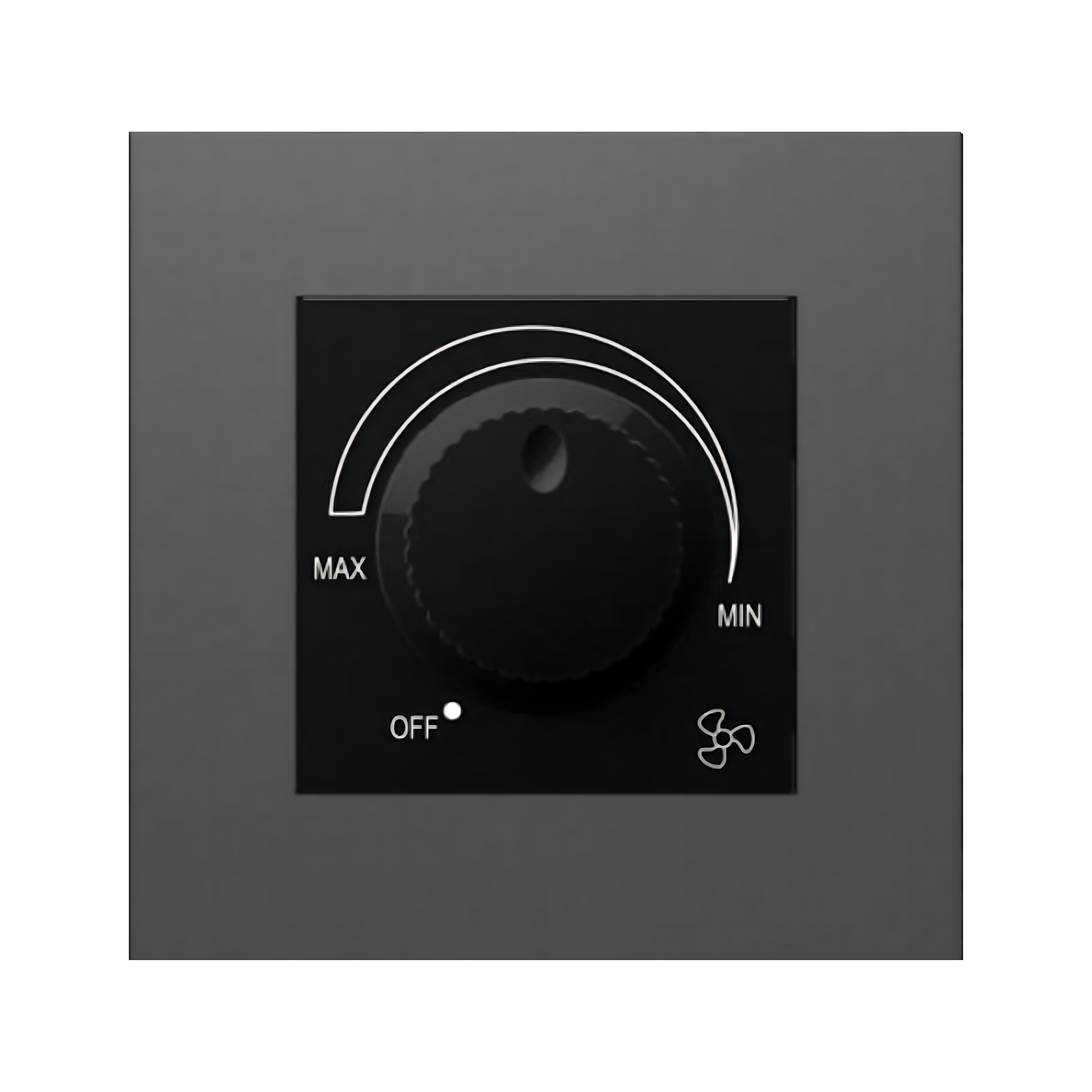
Protocol: Zigbee 3.0 · Type: Zigbee Fan Control Switch · SRP: ₹6,250
Works with: Amazon Alexa · Google Home · Siri / Apple HomeKit
Description
A Zigbee smart fan control panel for ceiling fans up to 150W. Provides on/off and speed control with a dedicated fan control interface.
Integrates with the Zigbee automation ecosystem. Available in PP or anti-glare glass in black, white, or gold.
Specifications
| Specification | Value |
|---|---|
| Channels | 1 fan channel |
| Max Switching | 150W |
| Recommended Load | Ceiling fans up to 150W |
| Installation | Wall-mounted |
| Compatibility | Zigbee automation platforms |
| Input Voltage | 110–240V AC 50/60Hz |
| Communication Protocol | Zigbee |
| Product Size | 86 × 86 × 10.5 mm |
| Bottom Shell Depth | 28mm |
| Working Temperature | -10°C to +60°C |
| Working Humidity | ≤95% RH (non-condensing) |
Installation
Requirements
- Standard 2-module or 4-module flush box
- Live, Neutral, and Load wires available at the switch location
- Zigbee coordinator (gateway) within range
Turn off the circuit breaker for the circuit you're working on.
Remove the existing switch plate and pull out the wires.
Connect Live (L) → L terminal, Neutral (N) → N terminal, Load → the load terminal(s).
Tuck the module into the flush box and fit the TAC switch plate.
Restore power. The LED indicator will blink — the device is ready to pair.
Open your Zigbee coordinator app (Home Assistant, SmartThings, etc.) and put it in pairing mode.
Press and hold the switch for 5 seconds until the LED blinks rapidly — pairing begins.
Wiring Notes
- Neutral wire is required for all TAC switches.
- Maximum load per channel: see product specifications.
- For ceiling fans, use the TAC F (fan speed controller variant).
Ordering
| SRP (incl. GST) | ₹6,250 |
| GST Rate | 18% |
| HSN Code | 85369090 |
TAC S
A modular 6A power socket designed for integration within the TAC Tile system. Not a standalone smart socket — smart control requires connection to a TAC load button channel or a compatible retrofit relay module.
TAC K
A Zigbee rotary smart dial for intuitive control of lighting brightness, colour temperature, and device groups. Supports up to 3 individual lights or 3 lighting groups via rotate and push interaction.